

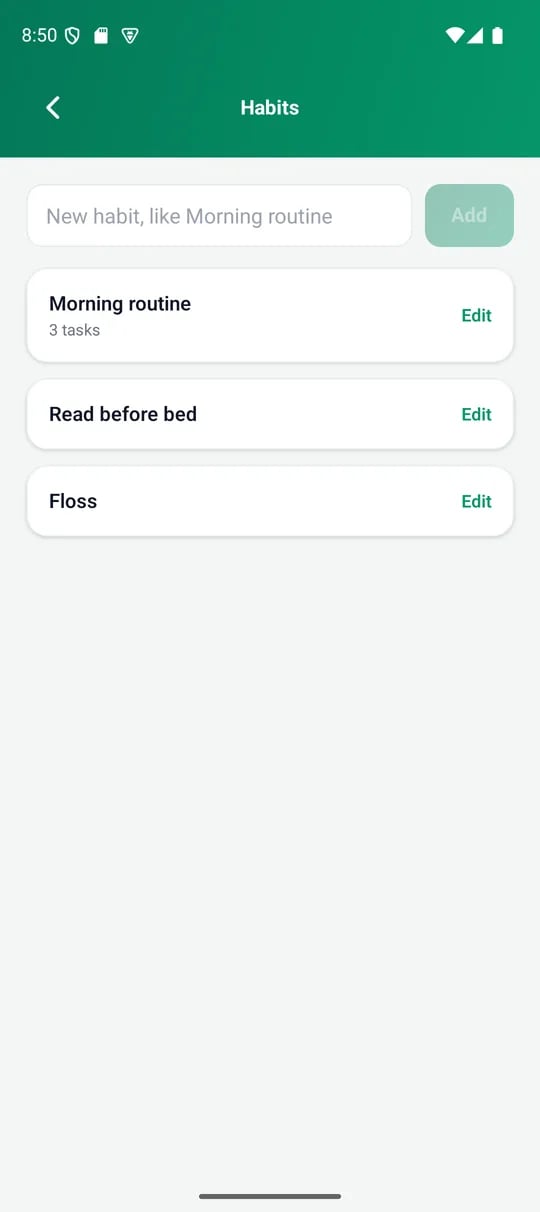
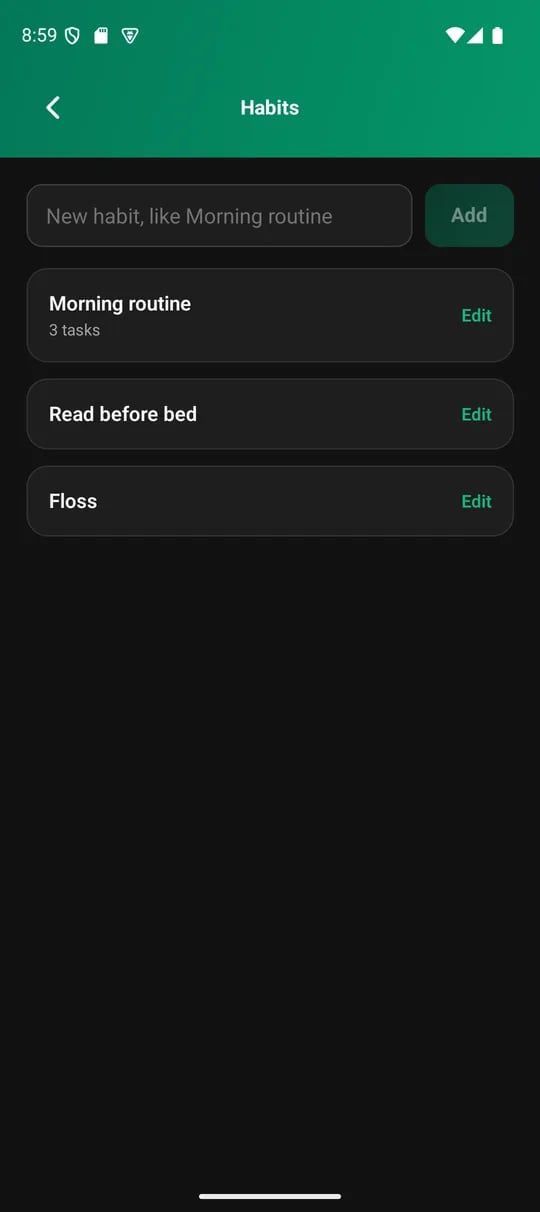
Your habits, under Settings
Create a habit
1
Open Habits
Open the menu, then Settings, then Habits. The Habits section on the Log tab links to the same screen.
2
Name it
Type a name, like Morning routine, and tap Add.
3
Tick it each day
Open the Log tab and tap the habit to mark it done for the day.
Habits with tasks
A habit can hold a checklist of smaller steps. Morning routine could have three tasks: wash face, drink a pint of water and stretch. To add tasks, tap Edit on the habit. Type a task and tap the plus button. Remove a task with the cross beside it. On Log, a habit with tasks shows how many are ticked, like 2/3. Tap the habit to open its checklist and tick each task. The habit is done once every task is ticked. Untick any task and it is no longer done. Tasks are a flat list. You cannot nest them or reorder them.Adding tasks to a habit you already track does not change past days. Only days from then on use the checklist.