

The daily check-in
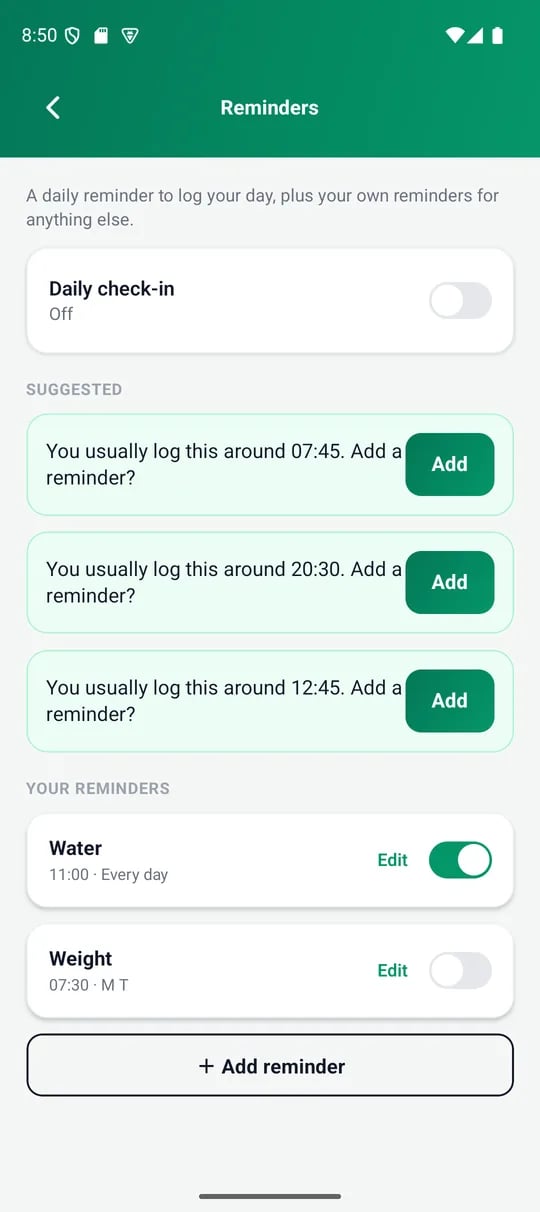
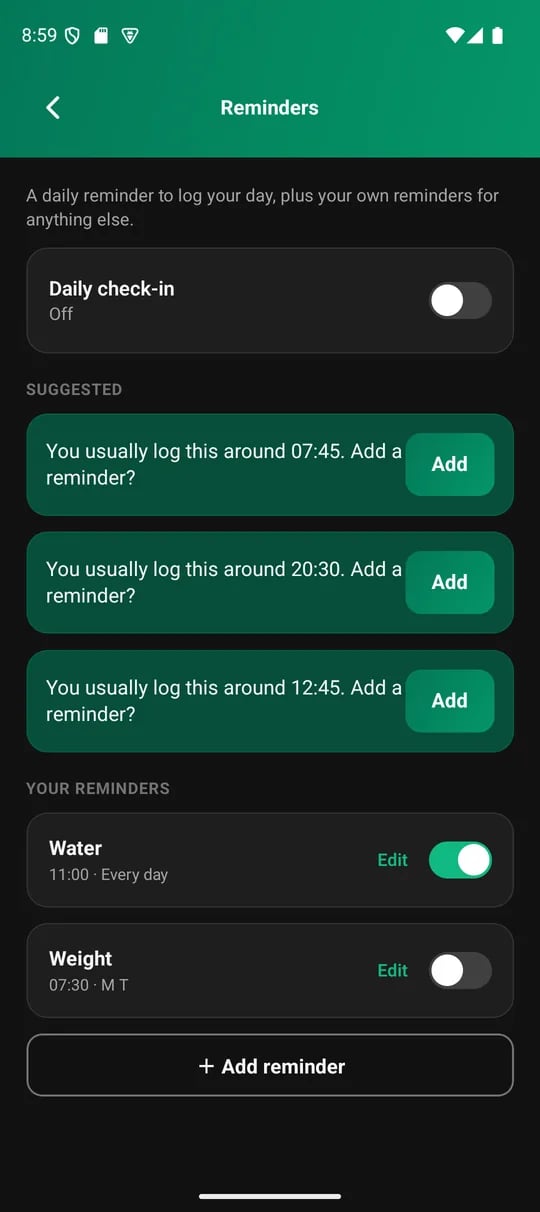
Reminders, under Settings
Add your own reminder
1
Tap Add reminder
It appears under Your reminders with a default message and time you can change.
2
Choose a metric (optional)
Pick a metric if the reminder is about one thing, like water. VitaSync fills in a message you can edit. Leave it on Anything for a general nudge.
3
Set the time and days
Choose a time. Then pick the days with the weekday chips, Monday to Sunday. All seven days means every day.
4
Write the message
The message is the text on the notification.