

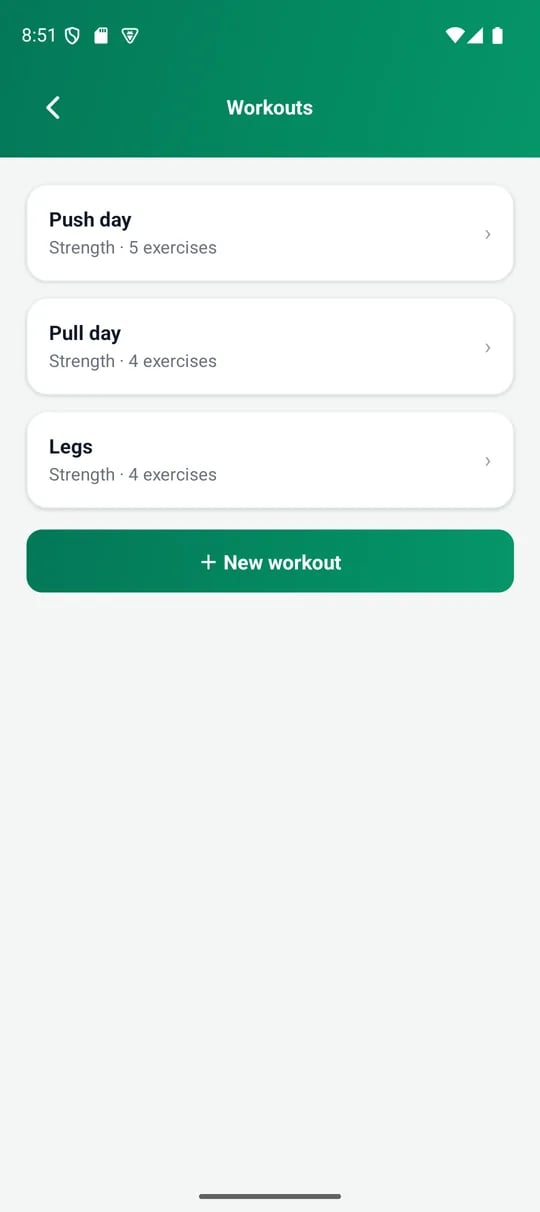
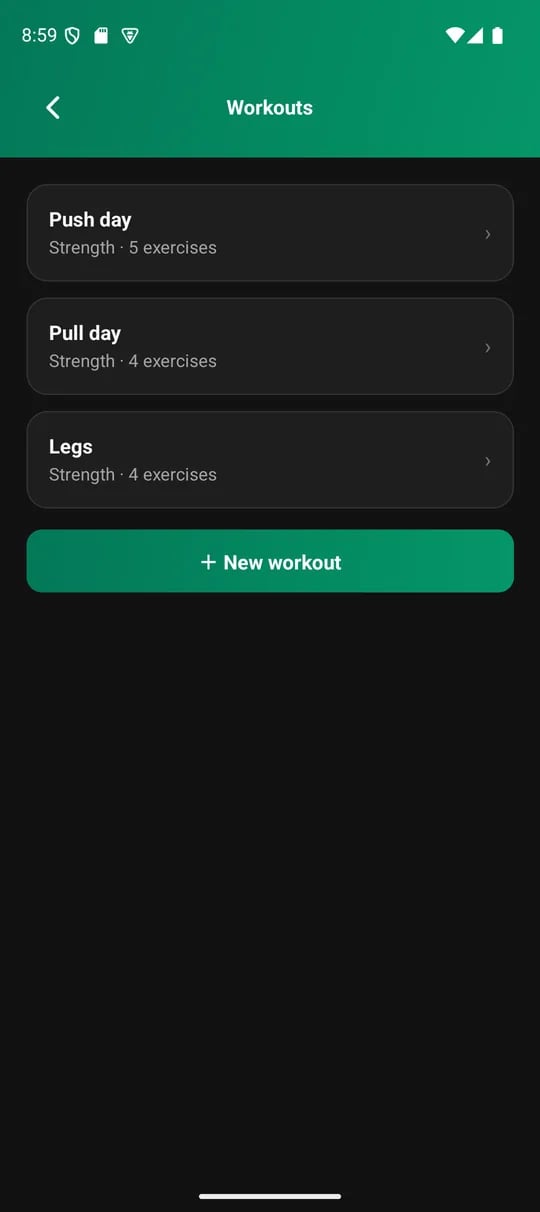
Your workout templates
Start a workout
Open the Log tab and add a workout, or tap the plus button for quick-add. Choose a template to start with its exercises filled in. Or start an empty workout and add exercises as you go.Log your sets
1
Add exercises
Browse the built-in catalog by muscle group, or search it. If your exercise is not there, add a custom name.
2
Enter reps and weight
Enter the reps and an optional weight, in the unit you chose in Settings. VitaSync fills each set from the last time you did that exercise. Change what differs.
3
Tap done on each set
Empty sets are not logged.
4
Save
Reopen a saved workout whenever you want to edit it.
Timed exercises
Some exercises are measured in time, like a plank, a walk or a run. They log minutes and seconds instead of reps and weight.Templates stay as they are
Logging a day never changes the template it started from. Add an extra set or exercise, and only that day changes. If you add an exercise the template lacks, VitaSync offers to add it to the template too when you save. Decline, and the change stays on that day.More than one workout a day
Log a second workout on the same day, for example a morning run and an evening gym session. Each one keeps its own sets.Rate the session
You can add three things at the foot of the workout screen. All are optional.
Tap a chosen rating again to clear it. Nothing asks you to rate. A workout saved without ratings stores none. Each workout on a day keeps its own ratings. Reopen a saved workout to change them.